The SIM Swap Hangover: 20 UK Apps, One New Network and a Lot of Stale Digits
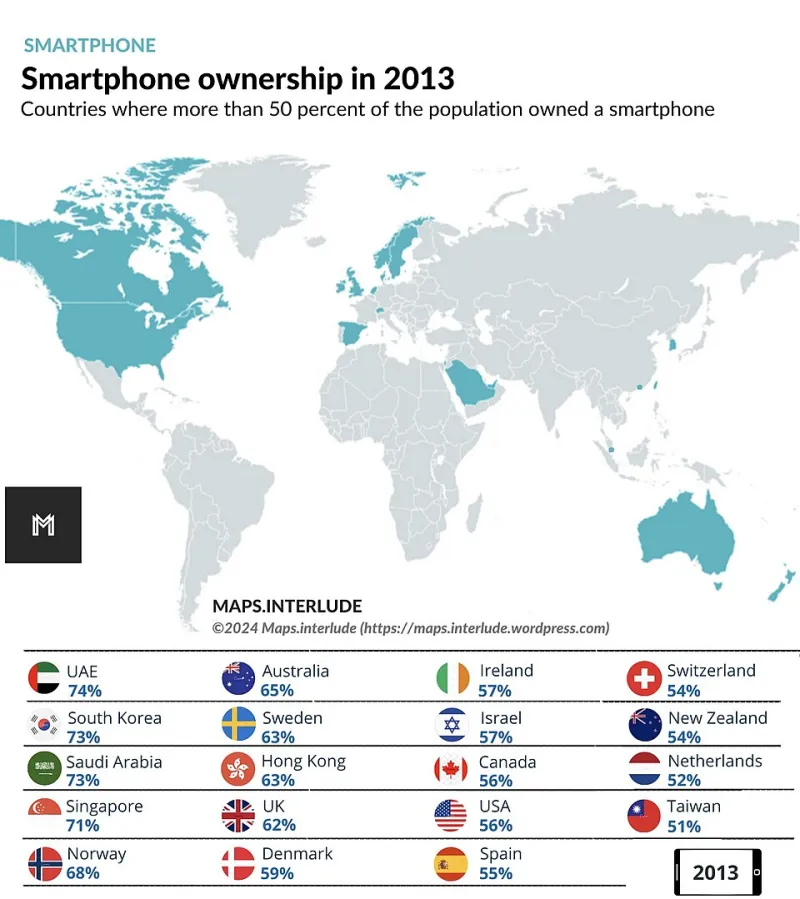
Photo: Maps.interlude, CC BY 4.0, via Wikimedia Commons
Swapping networks in the UK is meant to be dull admin. You keep your number, you pop in a new SIM, you wait for the port to finish, and then you get on with your life. I did exactly that in October 2026: one personal number, one new network, one very ordinary Android handset. The port took about four hours. The app hangover lasted a month.
I tested twenty everyday UK apps after the switch. Not in a lab, not with a factory reset, and not by deleting accounts. I just used them like a normal person would: logging in, ordering things, checking balances, getting pharmacy texts and trying to remember why a parking app wanted my number again. The question was simple. Did the app cope with a new SIM and the same digits, or did it quietly cling to something that no longer existed?
The short version: clean, wobbly and 'please open a ticket'
| App | What happened after the port | Verdict |
|---|---|---|
| Monzo | Asked for a selfie re-auth on first open. No SMS to old digits. Card and payees intact. | Clean |
| Starling | Face ID, then password. No number drama. | Clean |
| Lloyds | App demanded re-registration. The verification text went to the old number because the profile still had it. Support ticket needed. | Ticket |
| Re-verified the same number and restored chats from backup. | Clean | |
| Signal | PIN plus SMS to the new SIM. No stale number. | Clean |
| Deliveroo | Login fine. The saved delivery note still had my old contact number in it. | Stale |
| Just Eat | Same sort of thing, though notifications caught up after one order. | Wobble |
| Uber | Masked calls worked. Trip-share link did not show the old number. | Clean |
| Trainline | Email login, no SMS, tickets fine. | Clean |
| Citymapper | No account friction and notifications behaved. | Clean |
| RingGo | Parking session texts went to the old number for two days. The app profile still showed old digits. | Stale |
| Octopus Energy | Email login worked, but the account phone number was old until I changed it by hand. | Wobble |
| Tesco Clubcard | Login fine. A delivery-slot text initially went astray. | Wobble |
| Boots | App fine. One pharmacy text reminder went to the old number. | Wobble |
| Amazon | OTP went to the new SIM after re-login. Delivery notifications fine. | Clean |
| Argos | Order confirmation SMS went to the old number. The app did not flag it. | Stale |
| NHS App | NHS login re-auth via email. No issue. | Clean |
| BBC iPlayer | Signed out, signed back in with email. | Clean |
| Spotify | Email and password. No SMS. Family plan unaffected. | Clean |
| Council app | Recycling reminders still went to the old number saved in the account profile. | Stale |
That table is the whole story in miniature. Most apps were fine. A few were fine but not really. And one high-street bank made me feel like I'd moved house without telling anyone.
What 'clean' actually means
The best apps did not treat the SIM as the only proof of who I was. They used email, passkeys, device binding and in-app re-authentication. Monzo and Starling both asked me to prove I was me, but they did it inside the app rather than relying on a text that could have gone anywhere. WhatsApp and Signal had to re-verify the number, which is fair enough — that is the product — but they handled it without leaving a ghost number behind.
The boring winners were the email-first apps: Trainline, Citymapper, Spotify, BBC iPlayer and the NHS App. None of them made a fuss. That is not a knock. In app terms, boring is a compliment. A SIM swap should not be an identity crisis for a train timetable.
The stale-number problem is dull and slightly dangerous
The annoying failures were not dramatic. They were the sort of thing you discover three days later when a text does not arrive and you assume the app is broken. Deliveroo had my old number in a saved delivery note. RingGo kept texting the old digits. Argos sent order updates into the void. The council app had the old number tucked into its profile like an old receipt.
That matters because a phone number is often a recovery route as well as a contact detail. A stale number in a recovery flow is a bit like leaving a spare key under a plant pot you sold at a car boot sale. It is not always a disaster, but it is not tidy either. If a shared link, delivery instruction or account recovery option still points at a number you no longer control, fix it before you need it.
The ticket club
Lloyds was the only app that properly sent me to support. The app wanted me to re-register the device, then sent the verification code to the old number because the account profile had not been updated. That is not unreasonable in theory — banks are supposed to be careful — but it is exactly the sort of loop that makes a SIM swap feel like a minor crime. Support sorted it in about 48 hours after a call and some ID checks. Fine in the end. Still a faff.
If your bank puts a phone number at the centre of re-registration, update the number in your account before you port, not after. That single step would have saved me a phone call and a wait on hold.
What I'd do next time
Before the port: update the phone number in every app profile I can find, check recovery numbers in my bank, email and messaging apps, and look at saved delivery notes. After the port: re-login to anything that uses SMS, check notification settings, and keep the old SIM in a labelled drawer for a week in case something still wants it.
I would also stop assuming silence means success. A few apps were not broken. They were just still talking to a number that had moved on without them.
That is the 124apps takeaway, really. A SIM swap is a small admin task that reveals how an app thinks about identity. Most of the twenty handled it cleanly. A handful treated the number as permanent. Useful apps should not make you chase your own digits around the settings menu.