The Lock Screen Shopfront: Thirty UK Apps, Nine Days of Push and the Opt-Outs That Didn’t Stick
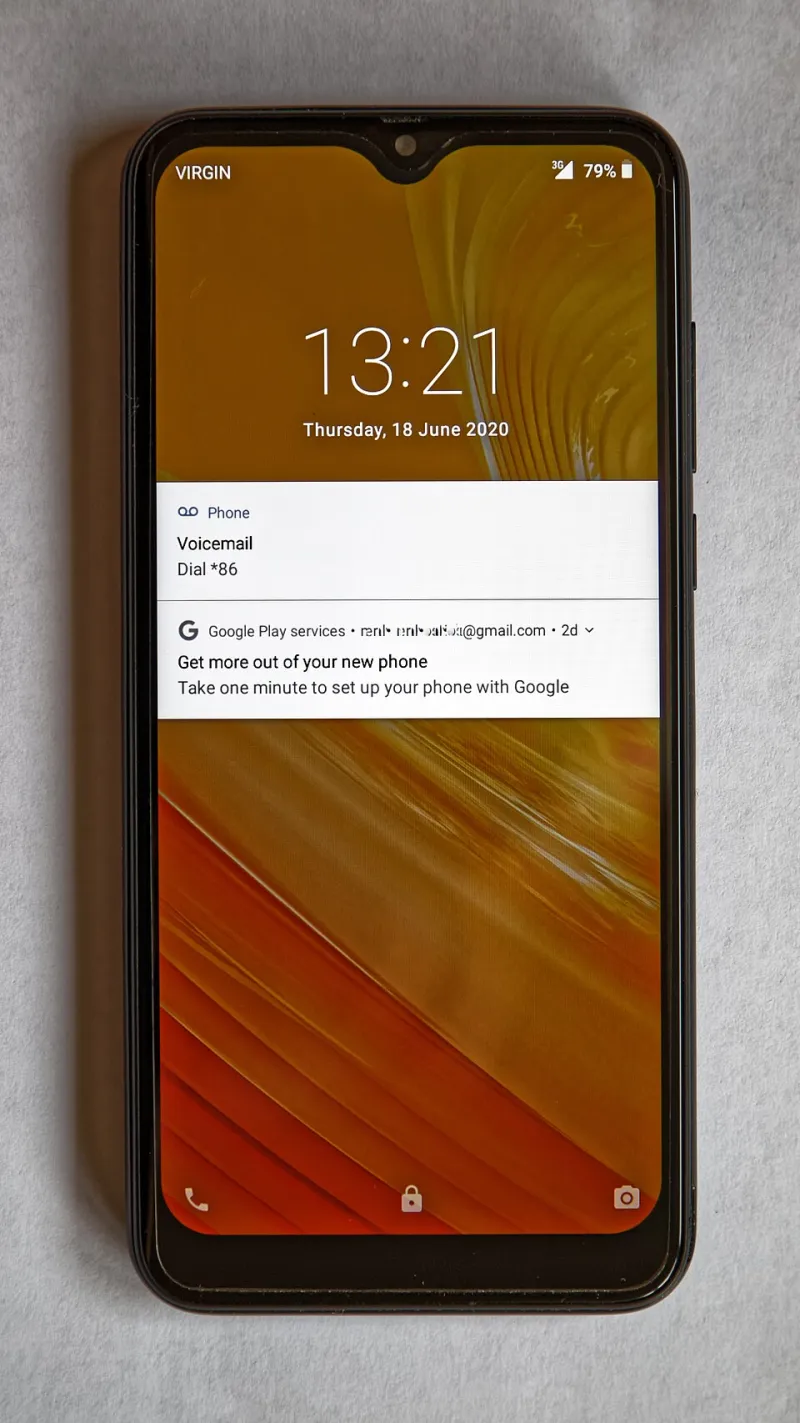
Photo: Acabashi, CC BY-SA 4.0, via Wikimedia Commons
On 10 November, with Black Friday still more than a fortnight away, my lock screen had already started to feel like a retail park with the lights left on. A discount here, a basket reminder there, a delivery slot I hadn’t asked about. None of it was catastrophic. All of it added up.
So I did the obvious, slightly obsessive thing: I installed 30 popular UK shopping, delivery and service apps on one iPhone, left notifications on at system level, and logged every push for nine days. The point wasn’t to shame apps for selling things. The point was to see which ones understood that a notification is a request for attention, not a receipt for permission.
The setup, and why it matters
This was a field test, not a lab experiment. One phone, one SIM, one increasingly twitchy writer. I used the apps as a normal person might: browsed, added a few things to baskets, checked delivery estimates, logged into accounts. I didn’t open apps just to make them ping. I opened them when I had a reason.
I ran two passes. In the first, I left Do Not Disturb off overnight so I could see what would land at antisocial hours. In the second, I switched on a 22:00 to 07:00 Focus and watched how many apps tried to push through the gap anyway. I also went into each app’s own notification settings and tested the switches marked deals, offers, recommendations and reminders. Where an app offered quiet hours, I set them.
The results were not a scandal. They were worse in a quieter way: a lot of small consent fudges.
The numbers, briefly
Across nine days, the 30 apps sent 318 marketing pushes that I could reasonably separate from genuine order or service updates. That is roughly 35 a day, or one every 40 minutes if you assume I sleep for eight hours and stare at my phone for the rest. One shopping app managed 31 pushes on its own. Several sent nothing at all beyond a delivery update.
After 22:00, I logged 14 marketing pushes. Before 07:30, another nine. Not all apps have quiet hours, and not all of those overnight pings were from apps that claim to. But if you are going to send me a 22:47 alert about a discounted air fryer, you should at least have the decency to sound embarrassed about it.
The opt-out test was the interesting bit. After an app’s third marketing push, I turned off its deals and offers toggle. Then I waited 72 hours. Eleven of the 30 kept sending at least one more marketing message. Six of those framed a discount as a service update. One sent a message saying it would stop sending marketing — immediately followed by a prompt to turn marketing back on.
The lock screen landfill tier
These were the apps that treated the lock screen like a shopfront they had rented without asking.
- Amazon — order updates are fair enough; the deals layer is relentless.
- Very — a strong showing in basket reminders, weak showing in knowing when to stop.
- Aldi — surprising volume for a supermarket app, mostly offers and limited-time nudges.
- Lidl — similar story, with a side order of app-only coupon prompts.
- Deliveroo — dinner-time pushes that arrived like clockwork and often after I’d already eaten.
- Uber Eats — discounts that followed me around the lock screen for days.
- Just Eat — reminders that felt less like a helpful prod and more like a tap on the shoulder.
- British Gas — service messages mixed with offers in a way that made the category label do a lot of unpaid work.
- O2 — priority tickets and offers, plus the odd reminder to check my account.
- Three — broadband and mobile deals that arrived with the confidence of a friend who knows you are too polite to complain.
None of these apps were evil. They were just very good at using a channel I had opened for one reason to sell me something for another. The lock screen is not a neutral space. It is the first thing many of us see in the morning and the last thing we see at night. Borrowing it for a flash sale is not a small ask.
The middle ground
Most apps sat here: not dreadful, not blameless. eBay, Argos, Currys, ASOS, JD Sports, Sainsbury’s, Ocado, Evri, DPD, Uber, Bolt, Vodafone, EE and Monzo all sent something I would rather not have received, but mostly at reasonable hours and mostly with working opt-outs. A few sent order updates that were genuinely useful. A few sent marketing that was clearly marketing. The difference mattered.
This is where most readers will live. You do not need to delete 30 apps. You need to know which ones will behave if you tell them to, and which ones will treat your preference as a suggestion.
The ones that behaved
Six apps in my test respected the spirit of the exercise: National Rail, Royal Mail, Octopus Energy, Boots, Tesco and Trainline. That does not mean they sent nothing. It means that when I turned something off, it stayed off in the test window. Their pushes were mostly tied to something I had actually done or asked about. Tesco still sent offers, but they arrived at sensible times and stopped when I asked. Boots was similar. National Rail and Royal Mail were almost boring, which is the highest compliment you can pay a service notification.
What the opt-outs told us
A switch labelled off should mean off. In practice, several apps treated the category labels as a loose theme rather than a boundary. Turn off deals and you might still get recommendations. Turn off recommendations and you might still get service updates that happen to contain a discount. Turn off everything except order updates and you might still get a cheerful note about a sale, because the app has decided that a sale is a service.
This is not just annoying. It corrodes trust. If I cannot believe an opt-out, I stop reading the notifications altogether — including the useful ones about a parcel, a train delay or a meter reading. The app has trained me to ignore it.
The remind me later button was equally slippery. I tested it on 12 baskets where the option appeared. Seven apps came back within 48 hours. Four came back before the time I had chosen. One sent the same reminder twice in a day. If the button is going to behave like a snooze that lasts 20 minutes, call it that.
What you can actually do before the Christmas sales
You do not need to become a notifications monk. A few blunt settings will get you most of the way.
- Use the phone’s own controls first. On iOS, go to Settings, Notifications, and turn off lock screen previews or all notifications for apps you only use occasionally. On Android, use per-app notification categories and turn off the promotional channels rather than the whole app.
- Set a Focus or Do Not Disturb schedule and mean it. It will not stop the app from sending. It will stop you seeing it at 2am. That is a win.
- Check the app’s own settings after you opt out. Wait a week. If the marketing still arrives, turn off notifications at system level and use the app without them.
- Do not trust remind me later. If you actually want to buy something, diarise it yourself. If you don’t, remove it from the basket.
- Use the website for occasional shops. A browser tab cannot push a lock screen notification unless you let it. For a shop you use twice a year, that is often enough.
The lock screen is not a free billboard
Black Friday is on 27 November. The sales will get louder before they get quieter. The apps that behaved well in my test will probably behave well again. The ones that didn’t will send more, because that is the model. The useful thing is to know which is which before your lock screen fills up.
Consent should be boring. A switch should mean what it says. A quiet hour should be quiet. That is not a lot to ask from an app that already has my basket, my postcode and my payment details. But in the run-up to Black Friday, it turns out it is still a lot to expect.